




B7Casino Login and Account Registration
A simple B7Casino login process gives players a secure way to open their profile on the official website. New users start with sign-up first. Existing players use the email and password linked to their account.
After login, the account area becomes the main control point for real-money play. You can return to the lobby, open the cashier, review bonus status or update profile settings.



B7Casino Registration Procedure
B7Casino registration creates your player profile and opens the full account area. After sign-up, you can use real-money games, activate available offers, make deposits, request withdrawals and manage safer-play tools.
Use real details from the first step. Your email should be active because we use it for password recovery and account messages. Your personal details should also match the documents you may upload later for verification.
The basic sign-up flow is simple:
- Open the Sign Up form on the official website.
- Enter your email address.
- Create a secure password.
- Add a promo code if you have one.
- Confirm the age rule.
- Accept the required policies.
- Submit the form and follow any email confirmation step shown on screen.
During B7 Casino registration, you should not use another person’s details. The account must belong to the player who creates it. Correct data helps avoid payment checks that take longer than needed.
What Registration Gives You
Registration turns the website from a public casino lobby into a personal account area. Your profile keeps the main tools connected, so you can return later without starting again.
| Account section | What you can do |
| Casino lobby | Open real-money slots, live casino games, table titles and instant-win formats |
| Cashier | Make deposits and request withdrawals |
| Promotions | Review active offers and bonus status |
| Profile | Check account details and password settings |
| Verification | Upload documents when we ask for an account check |
| Responsible gambling | Set limits or take a break from play |
The same profile works across supported devices. You do not need a separate account for mobile play. Use the same B7Casino login details on desktop, phone or tablet.
How to Sign In to Your Account
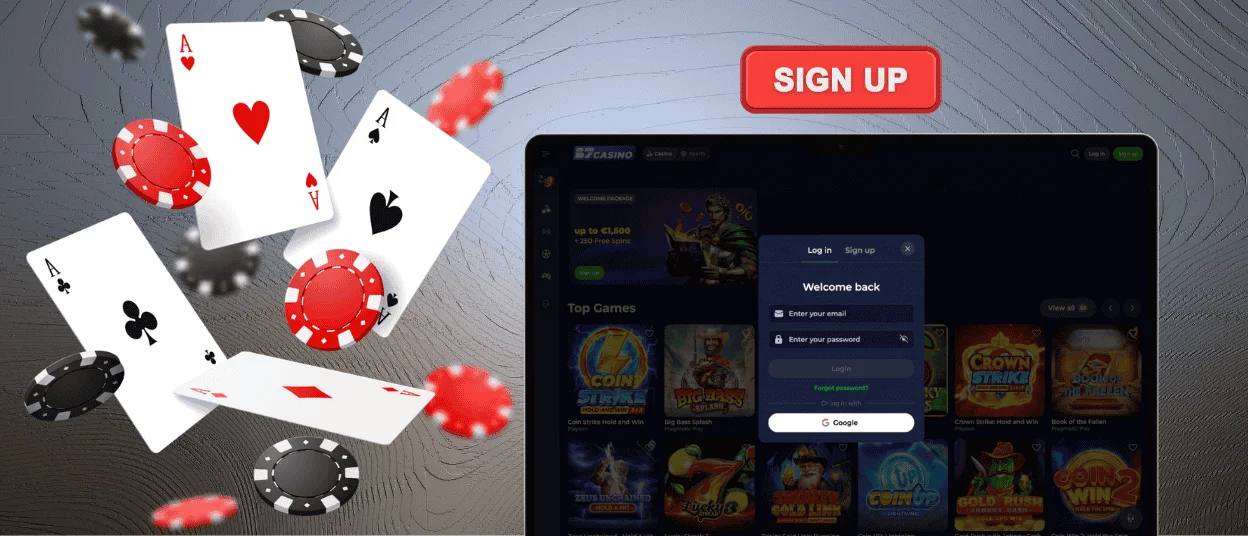
Open Log In on the official website. Enter the email linked to your profile. Type your password. Then confirm the form.
After sign-in, the dashboard shows the account sections you need most often. The cashier is used for deposits, withdrawal requests and payment status. The profile area is where you check saved details, document status and recent account records.
B7 Casino login can include an extra check if the access pattern looks unusual. A new device can trigger it. Several wrong password attempts can trigger it too. We use this step before sensitive actions, such as withdrawals or security changes.
Changing Personal Data
You can update basic settings inside the profile area. This includes password changes, contact preferences and account notifications.
Some details need support review. Email changes affect password recovery. Payment edits affect withdrawals. For these changes, we may ask you to confirm ownership of the account first.
Login Problems and Troubleshooting
If B7Casino login fails, look at the form before trying anything else. A wrong letter in the email is enough to block access. Saved browser passwords can also be outdated, especially after a recent reset.
Try typing the password by hand once. On mobile, delete the auto-filled text and enter the details again. If the form still rejects the password, use recovery instead of repeated attempts.
Password reset steps:
- Open the Log In form.
- Select Forgot password.
- Enter the email linked to your account.
- Open the reset email.
- Create a new password.
- Return to the login form and sign in again.
No reset email in the inbox? Check Spam, Promotions or other filtered folders. If nothing arrives after a few minutes, send a new request from the login form.
Do not create a second profile to fix an access issue. Extra accounts can cause a longer review. Use password recovery or contact support with the email linked to your account.
Account Access and Security
Use B7 Casino login only on the official website. A fake page can copy the form and collect passwords. Before entering details, check the website address in the browser.
We protect account pages with HTTPS and valid TLS certificates. Cashier actions use encrypted payment processing. CAPTCHA can appear when the site detects unusual traffic. These checks are built into the access flow, so they do not need a separate setup from the player.
Our security system reviews sign-ins, password changes and withdrawal requests. If an action does not match normal account use, we can pause it and ask for confirmation. Before some withdrawals, the profile may show a document request. This can include an ID document, proof of address or payment method confirmation.
Keep your B7Casino login details private. Use a password made only for this account. Log out after playing on a shared device. Use your own phone or computer when you manage payments.
FAQ
Can I log in from multiple devices?
Yes, you can use the same account on desktop, phone or tablet. Your balance stays connected to one profile. Log out on shared devices when the session is over.
How can I protect my B7Casino account from unauthorized access?
Use a password made only for this account. Do not copy one from email, banking or another casino profile. When you use the cashier, it is safer to use your own device.
Why do I need to verify my account before logging in?
Verification is not part of every login. It appears only when we need to confirm who controls the account. A full KYC check is more common before a withdrawal or after a sensitive profile update.
What should I do if my password reset link expires?
Send a new reset request from the login form. Use the newest email only. Older reset links should be ignored.
Can I use the B7 Casino login after changing my email?
Use the email currently linked to your account. If support changed your email, wait for confirmation first. Contact support if you are not sure which email is active.


